Send a quotation
Price a booking request and send it to your client on WhatsApp.
Step 1: Open the booking
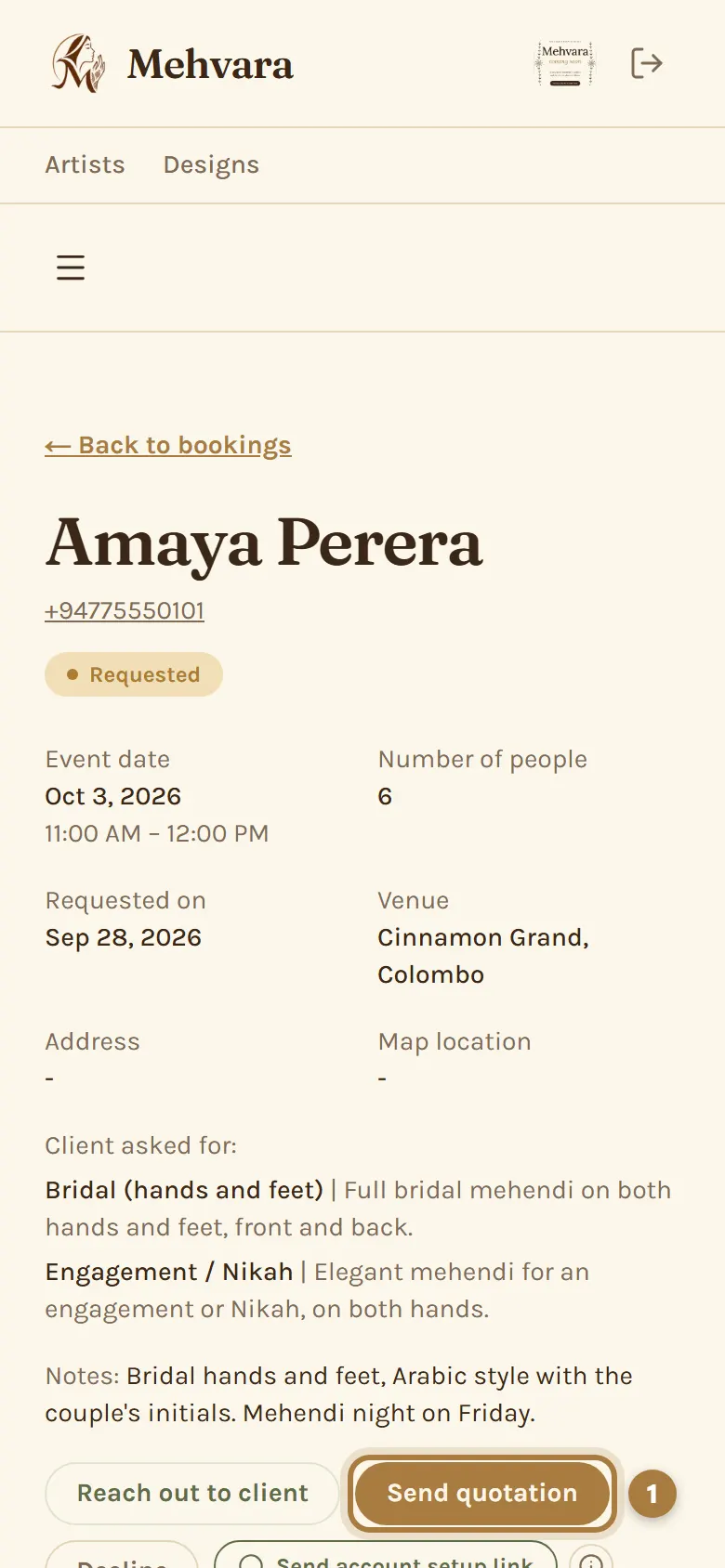
Open the request from Bookings and tap Send quotation.
Step 2: Add a title and your prices
Give the quotation a title. Packages the client picked are already added at your prices; change, add or remove lines as you like.
Step 3: Send it on WhatsApp
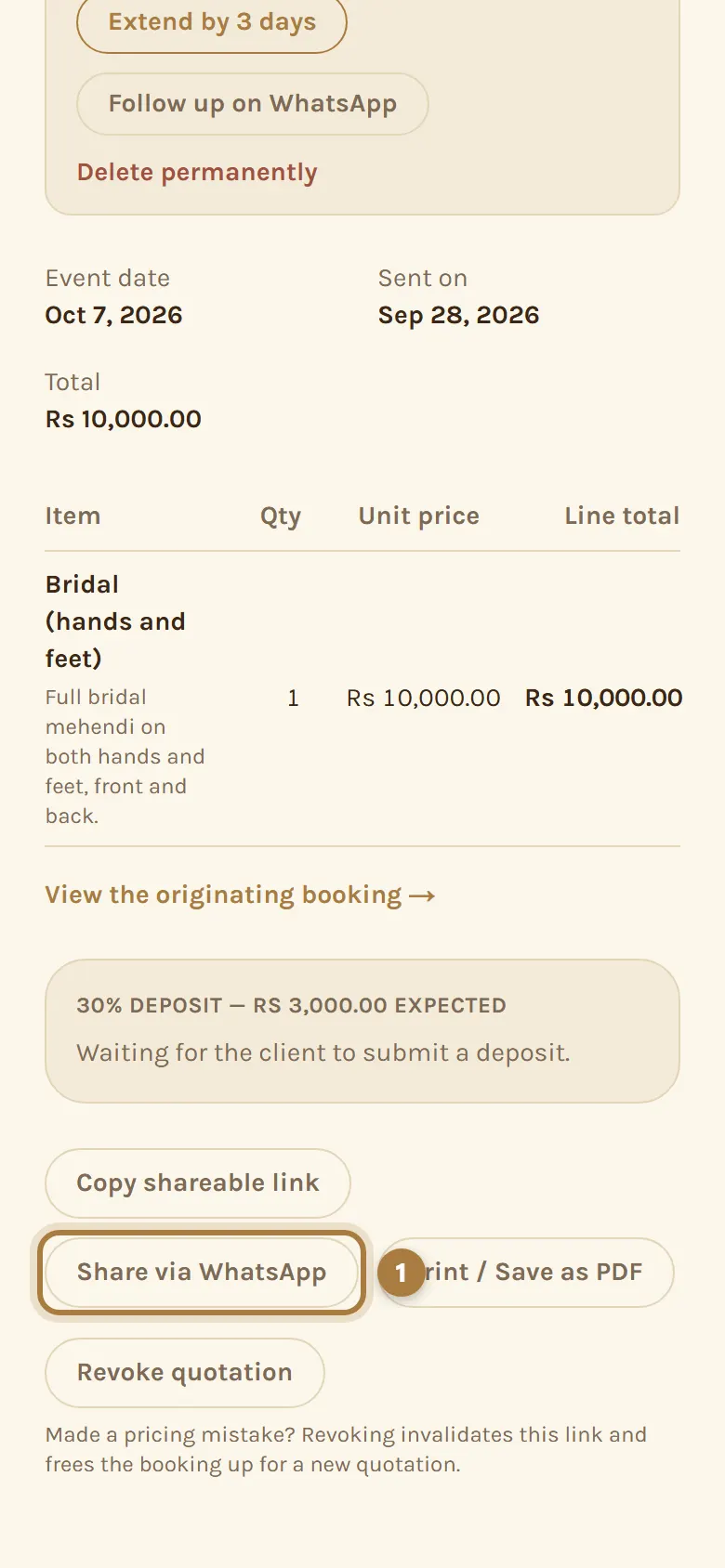
Tap Create quotation, then Share via WhatsApp to send the link. If the client gave an email, they get it by email too.
Step 4: Confirm once they accept
The client accepts or declines from the link. When they accept, tap Confirm booking and the booking becomes Confirmed. A quotation stays open for the days you set in Business Settings; if it expires, you can extend it by 3 days.
More guides
Still stuck? Contact us.