Invoices and payments
Bill a confirmed booking, record what the client pays, and complete it.
Step 1: Create the invoice
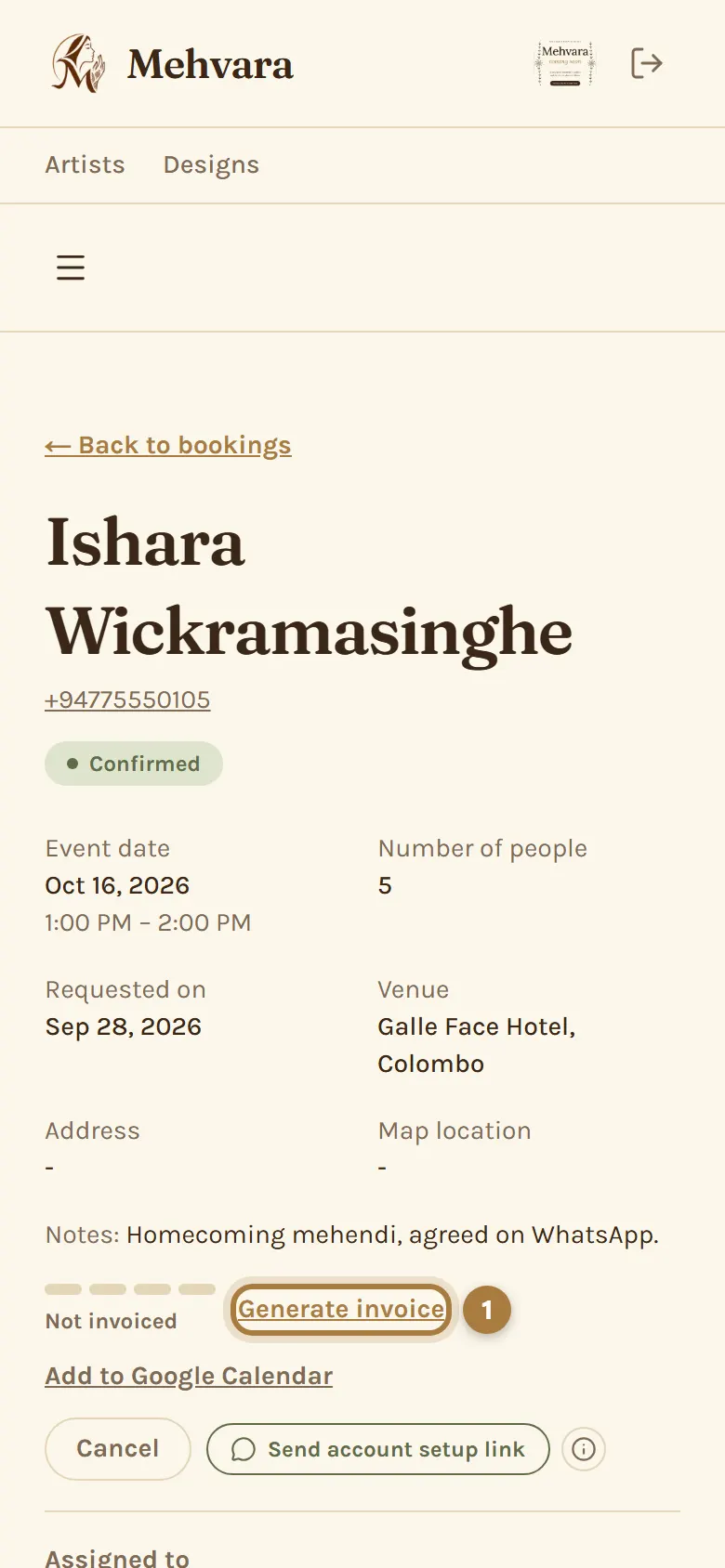
On a confirmed booking, tap Generate invoice (or Create invoice on its confirmed quotation). The lines come from the quotation, ready to change, then tap Create invoice.
Step 2: Share it with your client
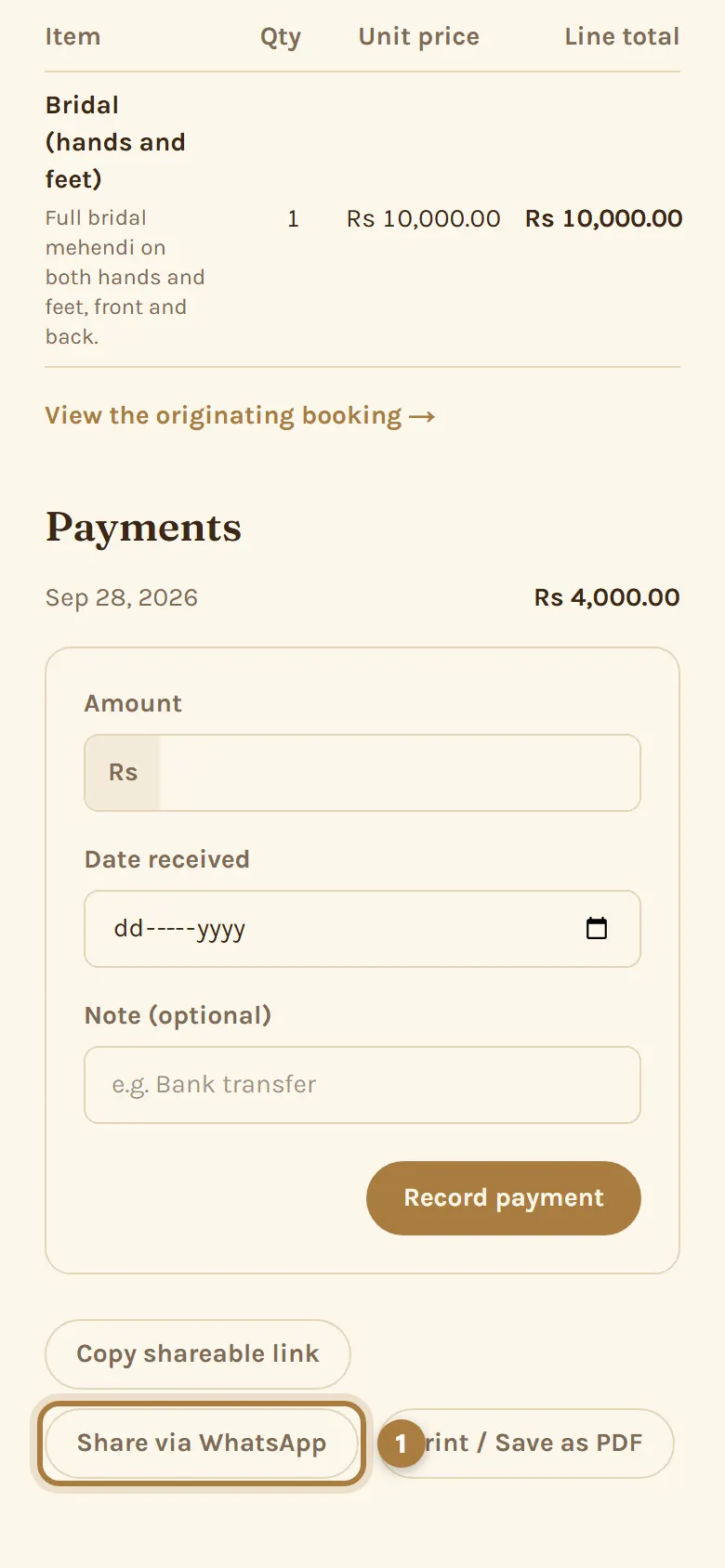
Tap Share via WhatsApp to send the invoice link. Clients pay you directly, by bank transfer or cash.
Step 3: Record each payment
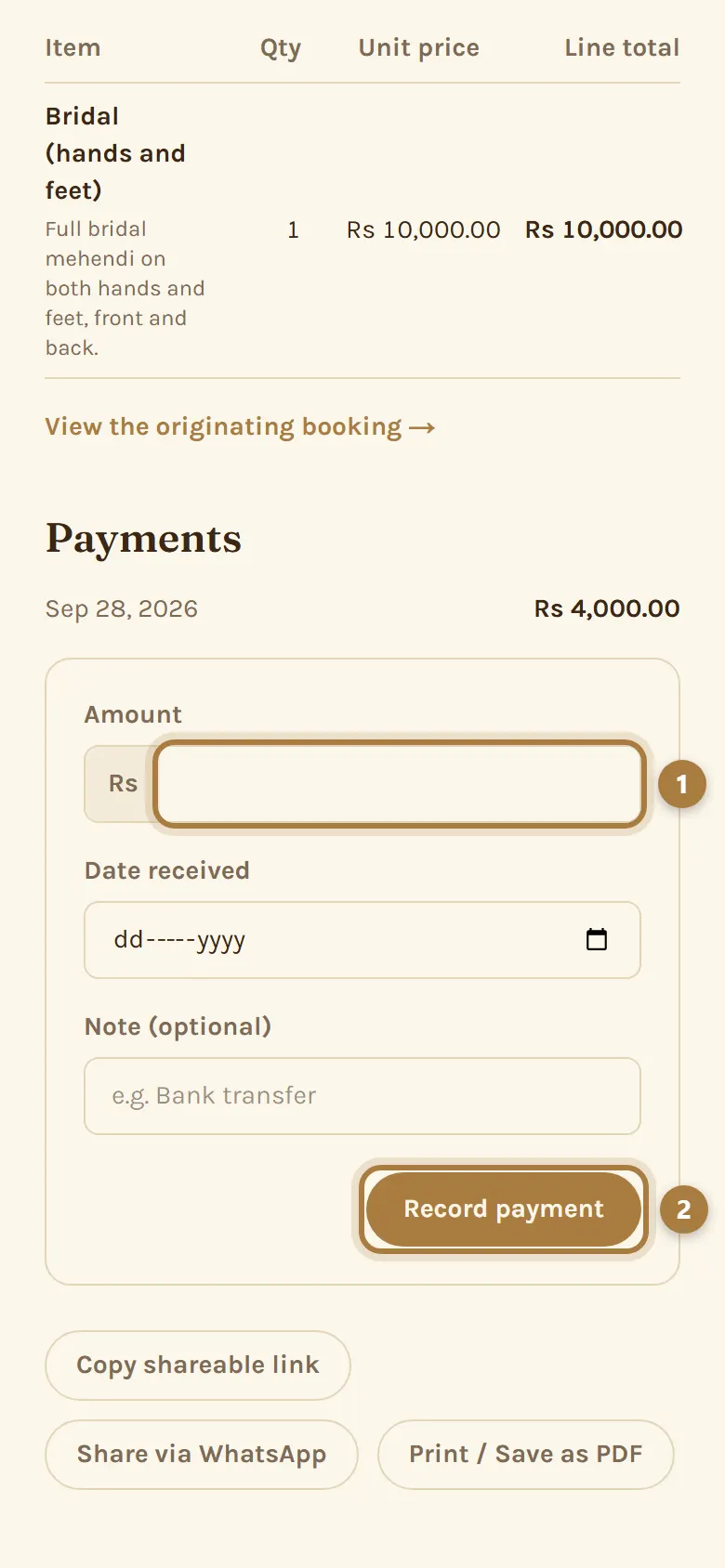
Tap Record payment and enter the amount. The invoice shows Unpaid, Partially paid or Paid in full, and your Earnings update on their own.
Step 4: Complete the booking
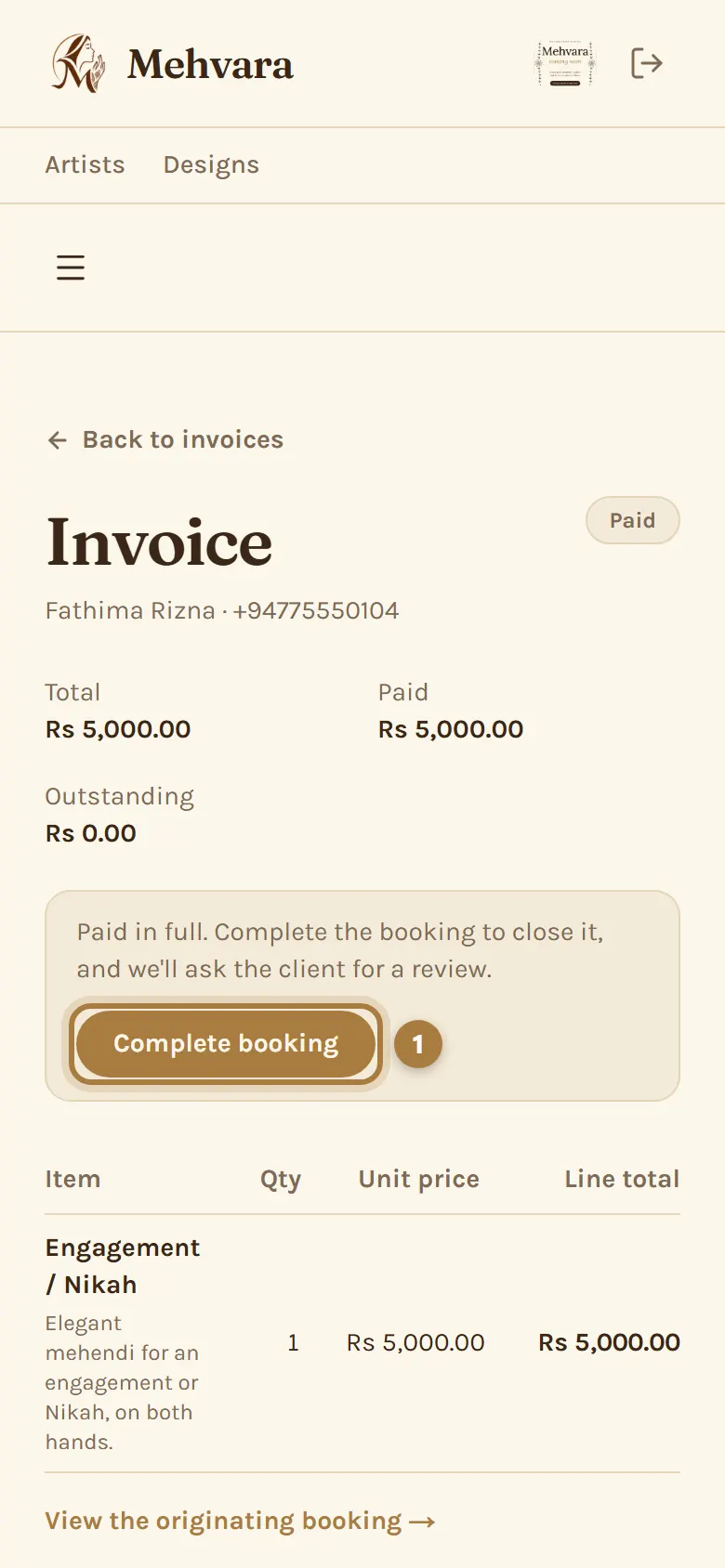
Once it's paid in full, tap Complete booking. If the client gave an email, they get one asking them to review you.
More guides
Still stuck? Contact us.