Set up your account
Your profile, packages and portfolio, the first time you log in after approval.
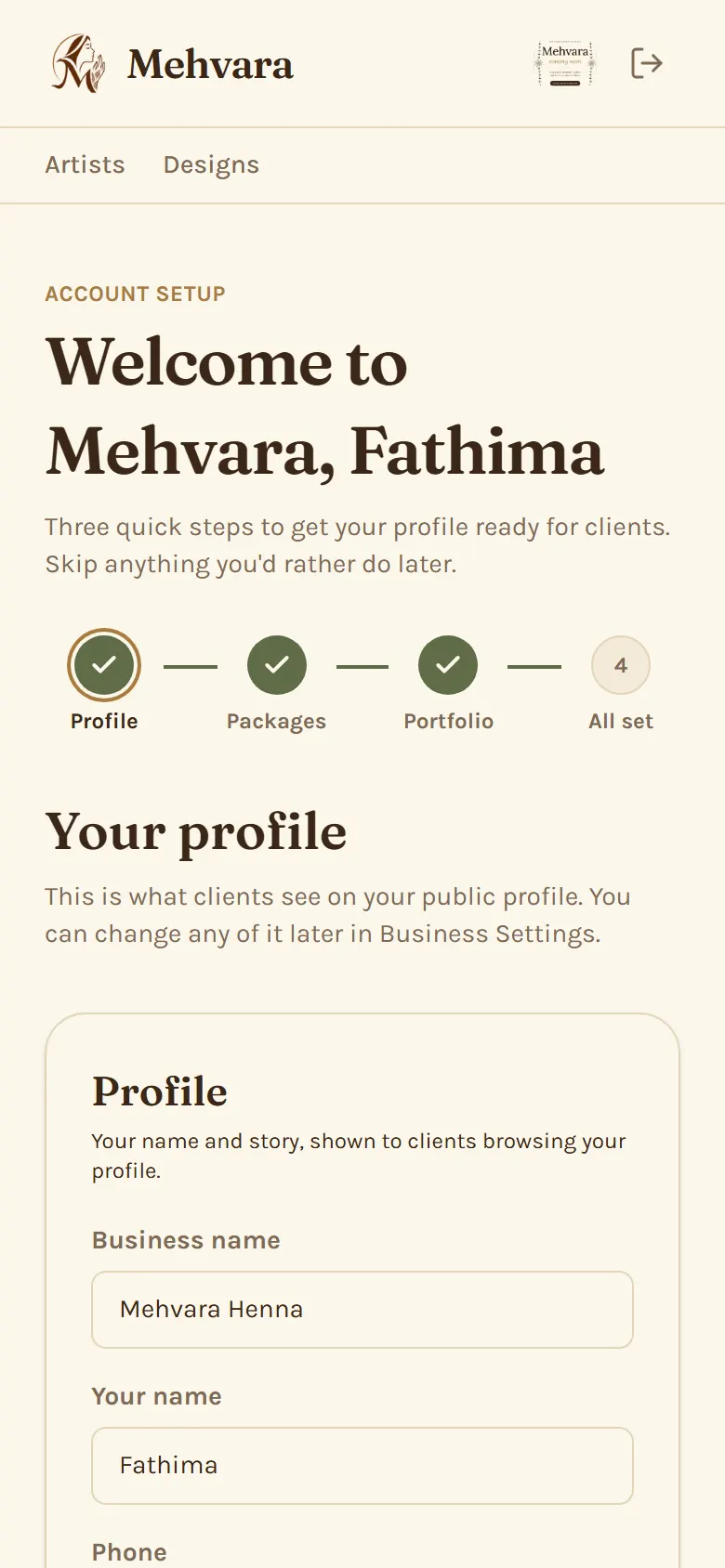
Step 1: Fill in your profile
Add a profile photo, a short bio and your city. This is what clients see first on your public profile.
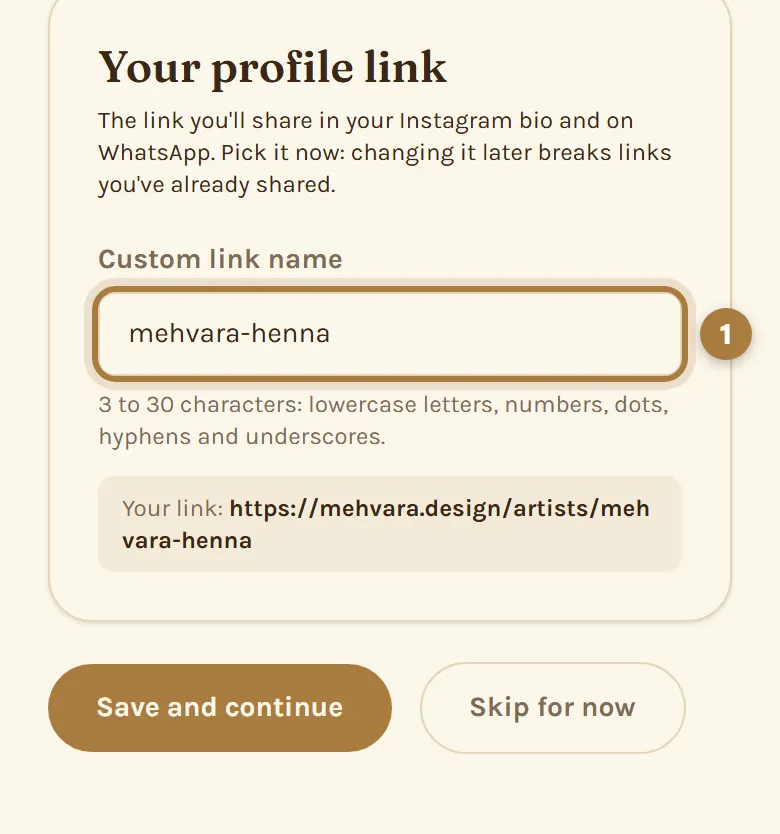
Step 2: Pick your profile link
Choose the name at the end of your profile link (…/artists/your-name). It's the link you'll share on WhatsApp and Instagram, so pick it carefully: changing it later breaks links you've already shared.
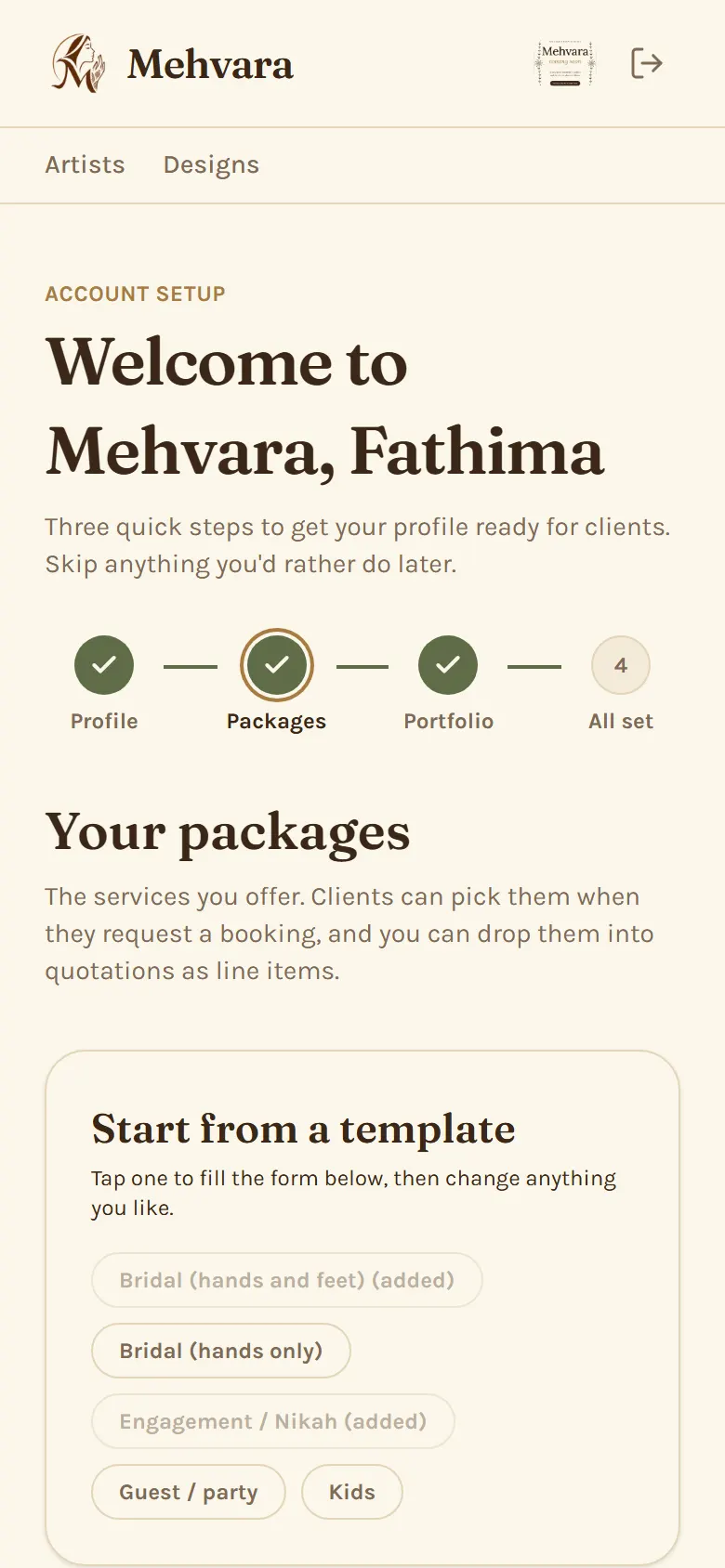
Step 3: Add your packages
Add the services you offer, like bridal or guest mehendi, each with a starting price. Clients see the names, never your prices.
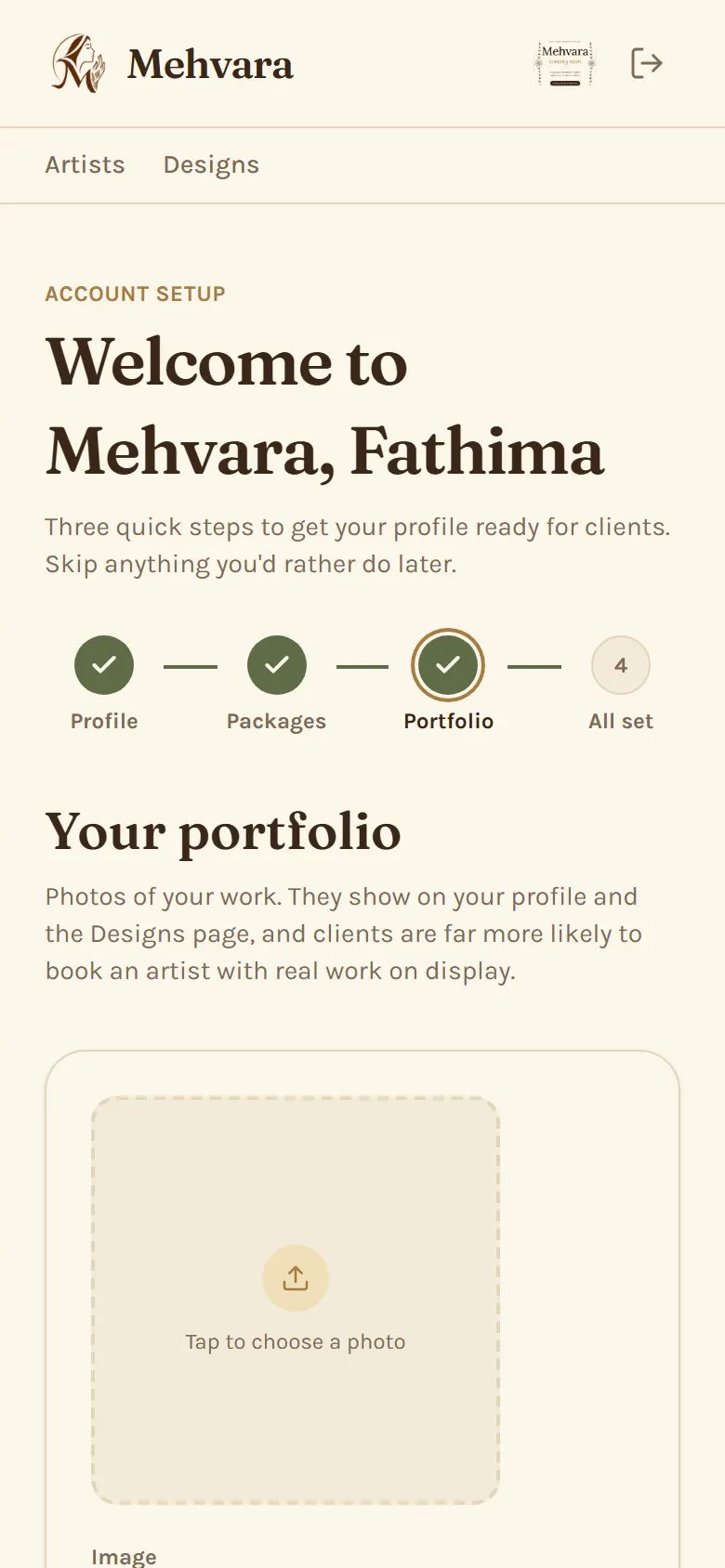
Step 4: Upload your designs
Add photos of your work with a caption and a category. They show on your profile and on the Designs page.
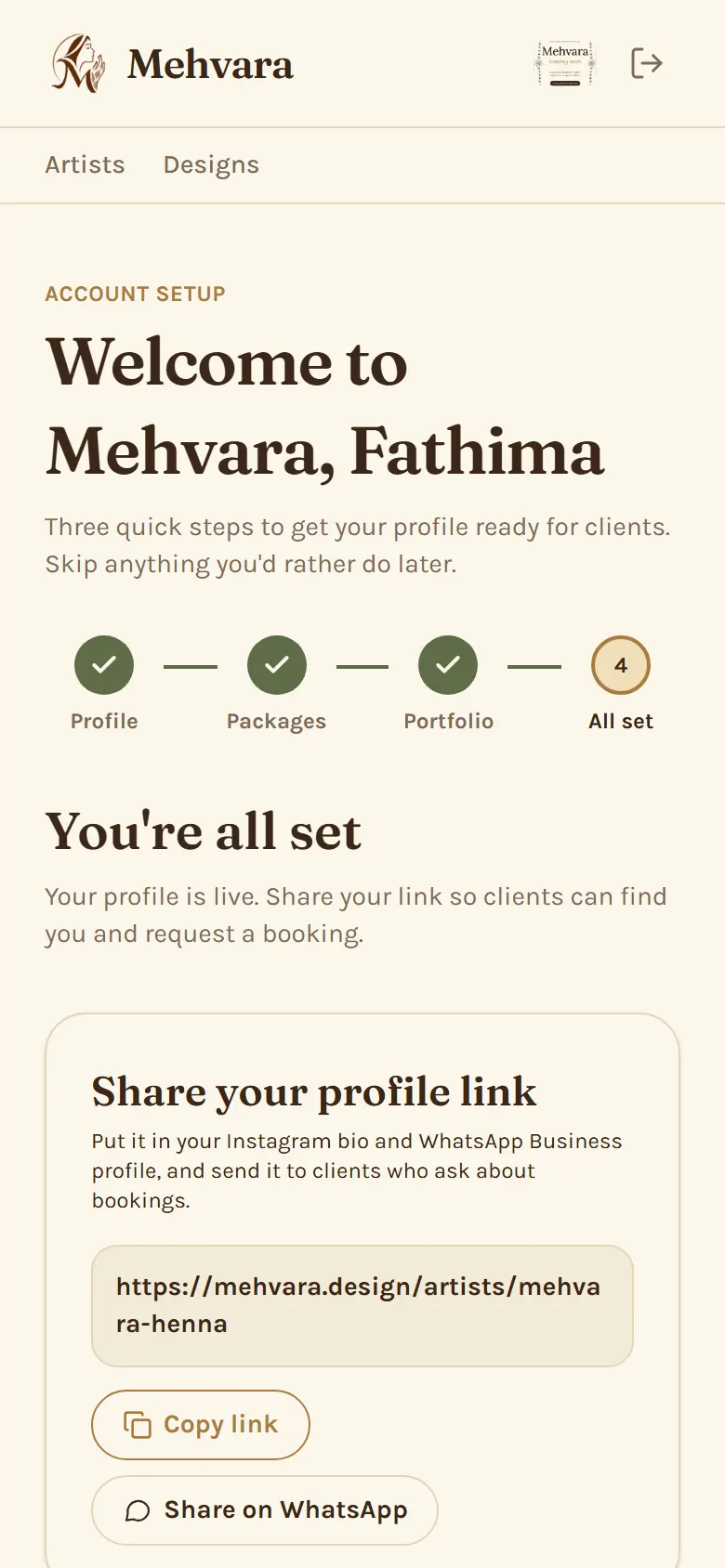
Step 5: Share your link
Copy your profile link or share it on WhatsApp. You can skip any step and finish it later in Business Settings, Packages or Portfolio.
More guides
Still stuck? Contact us.