Log a booking from WhatsApp or Instagram
Add a request that started off Mehvara, so it's on your calendar and ready for a quotation.
Step 1: Open Bookings
Go to Bookings and tap Log a booking.
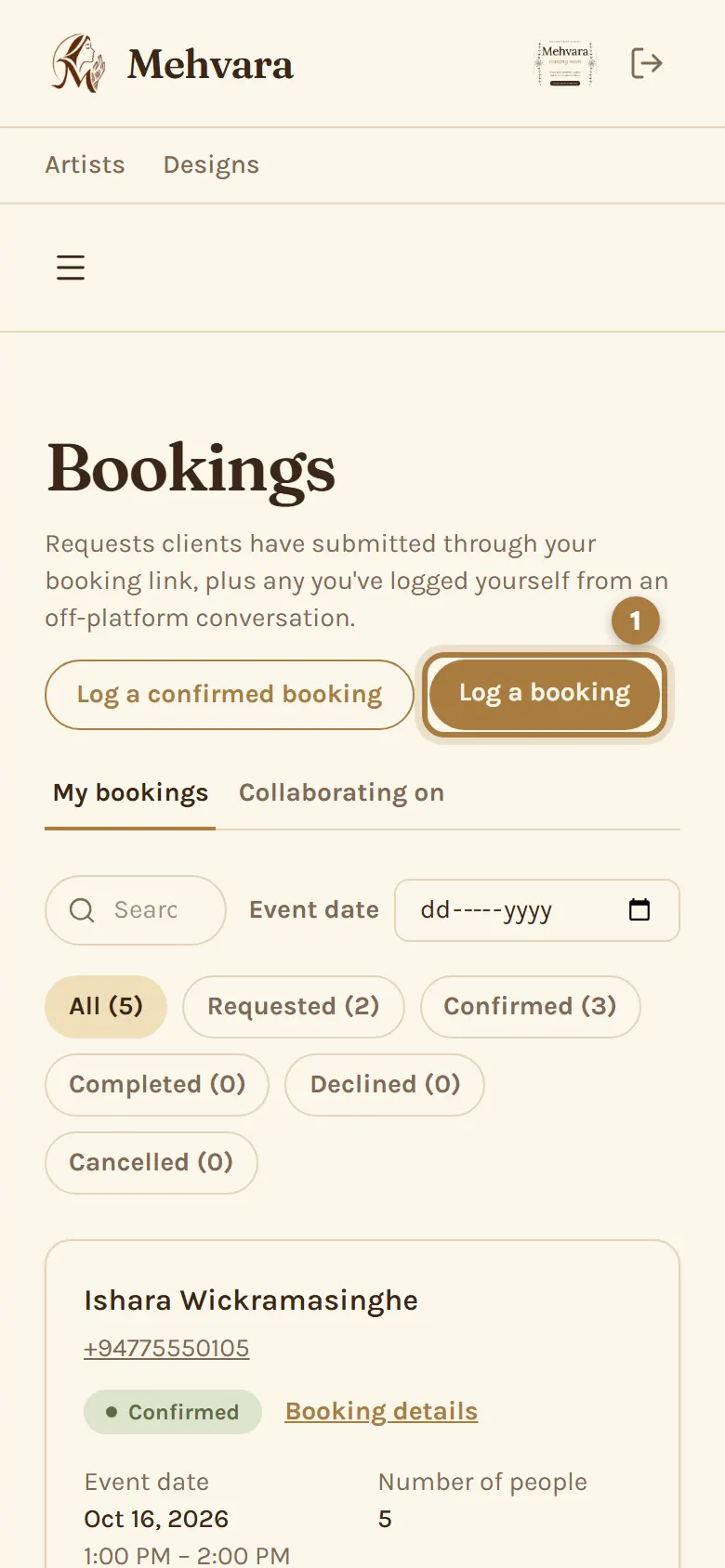
Step 2: Add the client and the event
Enter the client's name and phone number (email is optional), pick the date and start time on the calendar, and the number of people. Tick any packages they asked about.
Step 3: Save it
Tap Log booking. The hours are held on your calendar, and the booking waits for your quotation, like any other request.
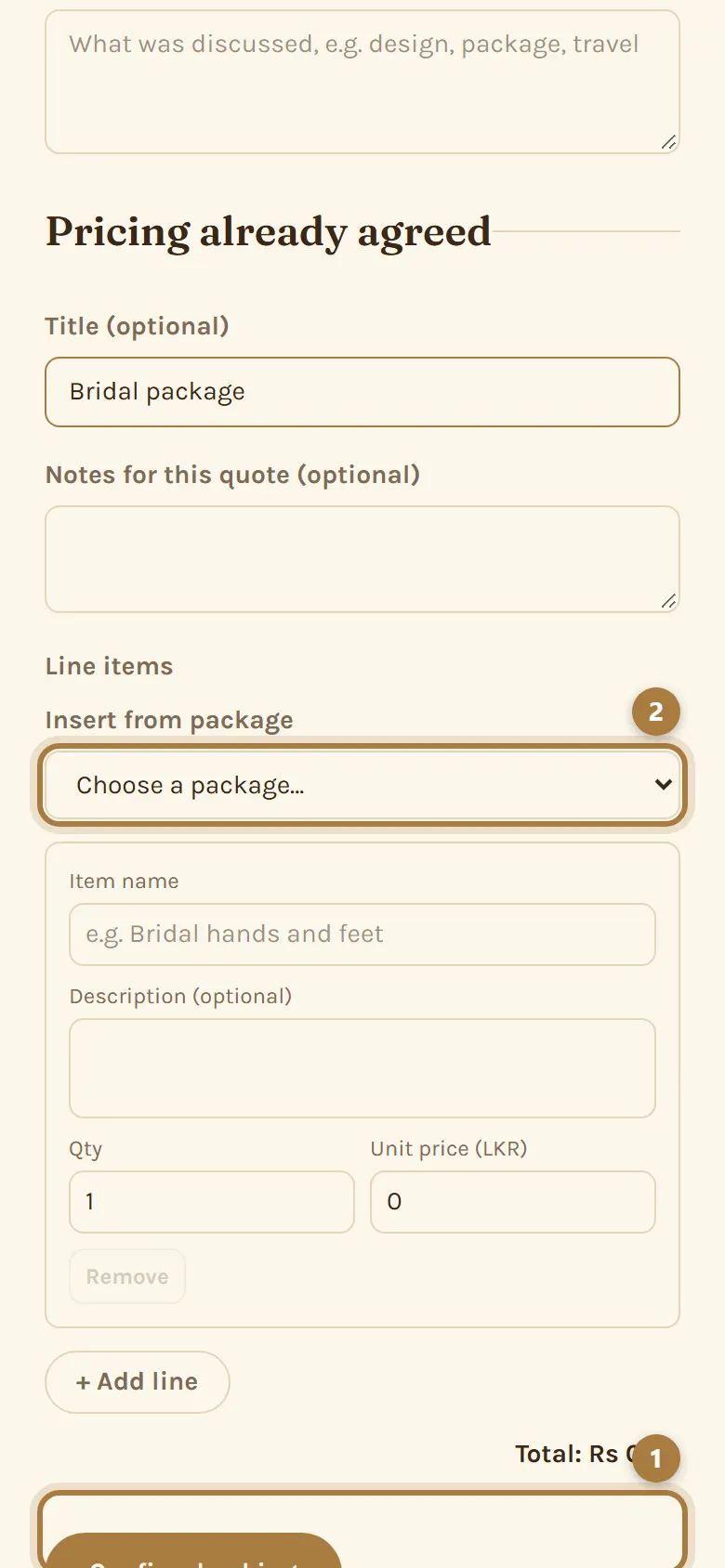
Step 4: Already agreed and priced?
Use Log a confirmed booking instead. It creates the booking as Confirmed with its price, for orders you've already settled with the client. Nothing is sent to the client.
More guides
Still stuck? Contact us.